
Gling: review, pricing and alternatives
What is Gling AI? An Introduction
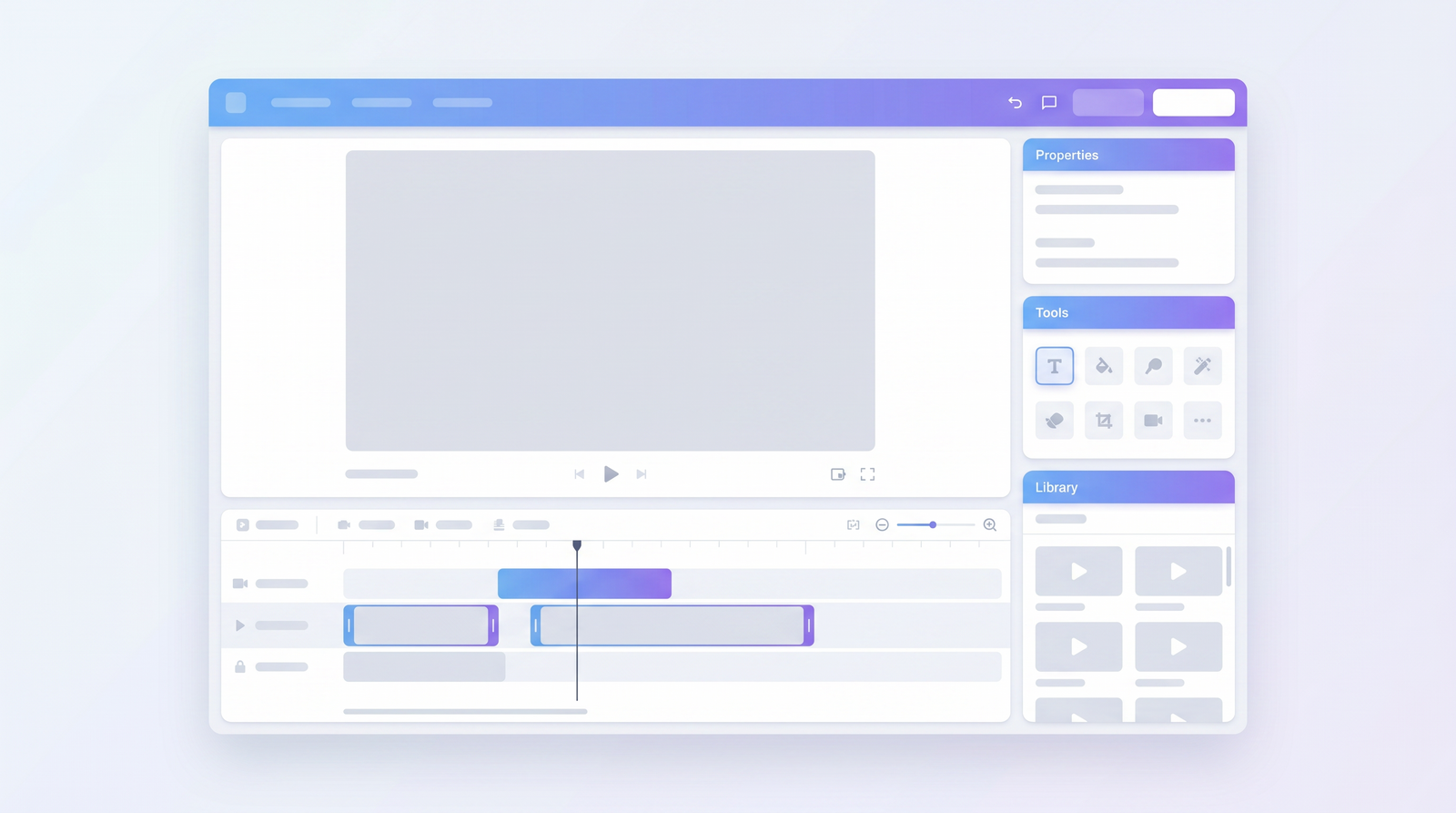
When you're a content creator, especially one who records a lot of dialogue-heavy videos like interviews, podcasts, or talking-head YouTube content, you know the pain. Hours spent sifting through footage, cutting out those awkward silences, the dreaded 'uhs' and 'ums,' and those moments where you just stumble over your words. It's a workflow killer, and it often means your valuable message gets buried under unnecessary fluff. That's where Gling AI steps in, promising to be your editing superhero.
At its core, Gling AI is an artificial intelligence-powered video editor designed specifically to tackle these common challenges in spoken-word content. Its primary purpose is to automate the most tedious parts of post-production: identifying and removing the 'waste' from your recordings. Think of it as a smart assistant that listens to your audio, watches your video, and then makes intelligent cuts to tighten up your delivery, making your content more engaging and professional.
The target audience for Gling AI is crystal clear: YouTubers, podcasters, online educators, and anyone else who produces a significant amount of dialogue-centric video. If your content relies on you or others speaking directly to the camera or into a microphone, and you're constantly battling with long pauses or verbal tics, Gling AI aims to significantly cut down your editing time. It's built for creators who value speed and efficiency, allowing them to focus more on content creation and less on the mundane aspects of editing.
I've seen firsthand how much time can be lost to these repetitive editing tasks, and the promise of an AI that can handle it is incredibly appealing. Gling AI positions itself as a tool that streamlines your workflow, letting you record freely, knowing that a significant portion of the cleanup will be handled automatically. It's about getting to that impactful content faster, without the headache of manual trimming.
Key Features: How Gling Automates Editing
Diving into Gling AI, what immediately stands out are the specific functionalities it offers to automate the editing process. It's not a full-fledged video editor in the traditional sense, but rather a powerful pre-editor that hones in on the elements that drag down dialogue-heavy content. The core features are all about identifying and eliminating those time-wasters, making your footage much tighter before it even hits your primary editing software.
First up is AI silence removal. This is perhaps its most fundamental feature. Gling AI listens for gaps in speech and automatically trims them out. We all have those moments where we pause to think, or there's an awkward silence during an interview. Gling is designed to detect these and make precise cuts, ensuring your video flows smoothly without dead air. It's a massive time-saver, especially for long-form content where a few seconds of silence here and there can add up to minutes of wasted viewing time.
Closely related is its ability to detect and remove filler words like 'uh,' 'um,' 'you know,' and 'like.' These verbal tics are incredibly common, but they can make a speaker sound less confident or prepared. Gling AI's algorithm is trained to spot these specific sounds and phrases, then automatically snip them out. While no AI is perfect, the idea is to significantly reduce the number of these distractions, leaving you with cleaner, more professional-sounding dialogue.
Beyond just trimming audio, Gling also aims to help with bad take removal. If you've ever flubbed a line or had a false start, Gling can identify these segments. While it might not always perfectly discern a 'bad' take from a slight pause, its ability to flag or even automatically remove these sections can be a huge boon. This, combined with its text-based editing capabilities, means you can often see a transcript of your video and simply delete text to remove corresponding video segments, much like editing a document. This visual approach to editing can be incredibly intuitive for those who aren't traditional video editors.
Finally, Gling AI offers auto captions and transcripts. This is a vital feature for accessibility and search engine optimization. Generating accurate transcripts automatically saves an enormous amount of manual labor. These transcripts can then be used not only for captions but also as the basis for the text-based editing, further integrating and streamlining the entire workflow. For creators who need to provide captions for every video, this feature alone can justify its use.
Real-World Performance & Accuracy
When you're entrusting an AI with your raw footage, especially long-form content, the big question isn't just *if* it works, but *how well* it works. My experience, and what I've gathered from other users, is that Gling AI's performance is a mixed bag, often dependent on the specific task and how much manual oversight you're willing to give it. It certainly cuts waste, but the accuracy isn't always perfect, which can lead to its own set of challenges.
In tests comparing Gling AI with competitors like TimeBolt and Descript on a 60-minute video, Gling showed it could be quite aggressive in cutting. It detected a significant amount of silence and filler words, indicating its algorithms are indeed active. However, the data also highlighted a crucial point: while it cut a lot, it also missed a considerable number of filler words—over 600 in one particular test. More concerningly, it was noted for introducing false cuts, meaning it sometimes removed content that should have stayed, or made choppy edits that required extensive manual correction. This means that while it gives you a much shorter video, the subsequent "fix time" can be substantial.
For instance, one comparison showed that for a 60-minute video, Gling AI required an estimated 220.7 minutes of review and repair time. Compare that to a competitor like TimeBolt, which managed to cut 100% of the waste on the first pass with zero re-review or manual correction needed, finishing the same video in just 40 minutes of total time. Descript also required significant manual repair (around 52 minutes for the same video). This stark difference suggests that while Gling is good at identifying *some* waste, its precision in making those cuts without creating new problems isn't always top-tier.
What I keep coming back to is that Gling AI is a tool for *initial* cleanup. It's fantastic for getting a first pass, shaving off significant chunks of dead air, and highlighting areas that need attention. However, you absolutely cannot just hit 'export' and expect a polished final product. You'll need to meticulously review its edits, especially for dialogue-heavy content where a slightly mistimed cut can completely change the meaning or flow of a sentence. It's a valuable starting point, but don't expect it to be a magic bullet that eliminates all post-production work.
User Experience & Workflow
When I first approached Gling AI, I was hoping for something intuitive, and for the most part, it delivers on that front, especially for beginners. The interface is generally clean and straightforward, designed with the specific goal of streamlining the initial editing phase. You're not overwhelmed with a myriad of complex tools; instead, it focuses on its core strengths: getting rid of the fluff in your spoken content.
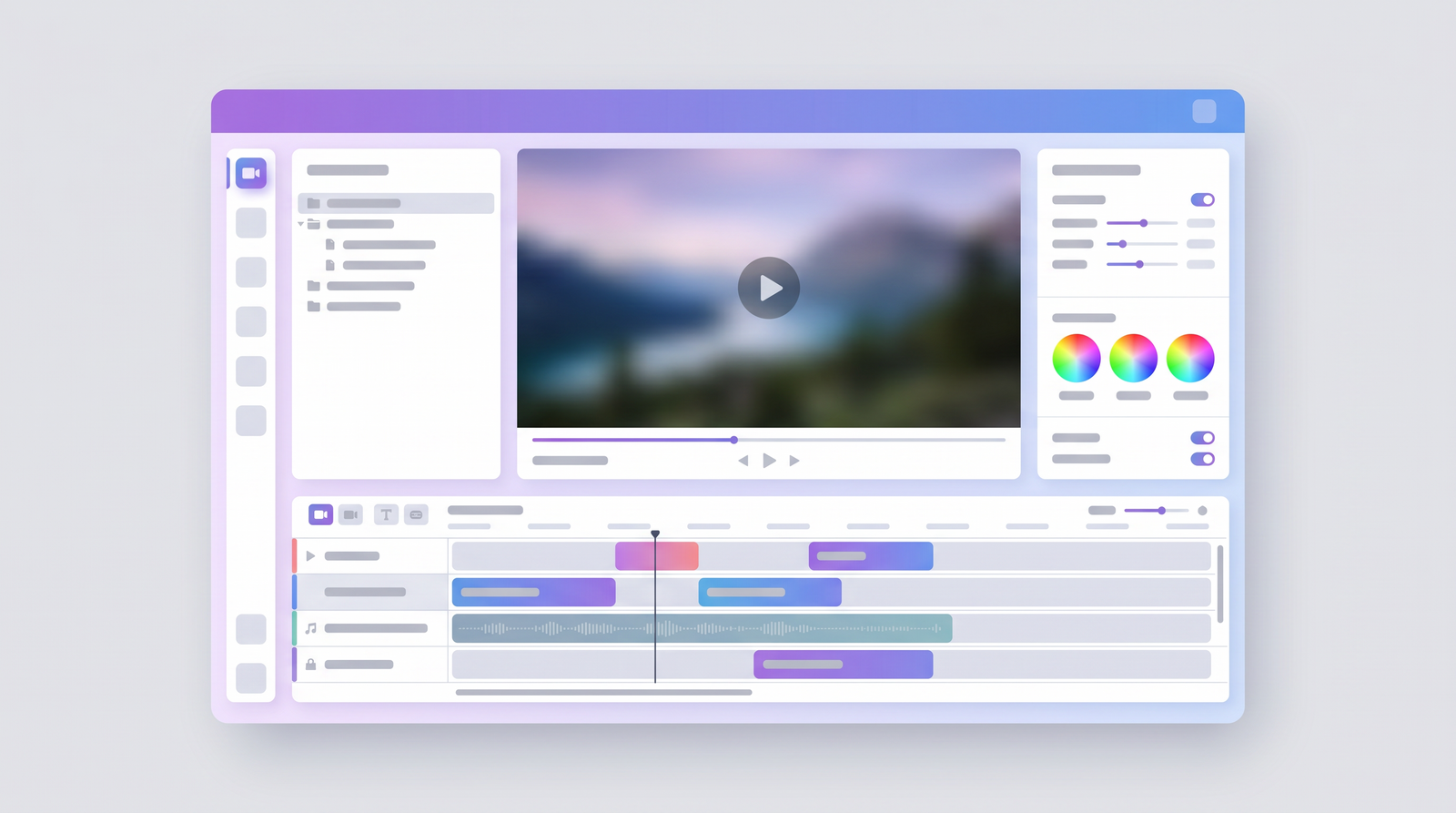
The workflow typically starts with uploading your video footage, which is a standard process. Once uploaded, Gling AI gets to work analyzing your audio and video. This analysis generates a transcript and highlights all the detected silences, filler words, and potential bad takes. What I found particularly useful is the visual representation of these cuts. You can often see the waveform and the corresponding text, allowing you to quickly review what the AI has decided to remove.
For those new to video editing, Gling’s approach to text-based editing can be a game-changer. If you can edit a document, you can largely edit your video within Gling. Deleting a word or phrase from the transcript often means the corresponding video segment is removed. This makes it incredibly accessible and reduces the learning curve significantly compared to traditional timeline-based editors. It's about as easy as it gets for making initial, broad cuts.
However, the user experience isn't without its bumps. While the initial processing and editing within Gling are relatively smooth, the export options and quality can be a point of frustration. I've encountered reports, and experienced myself, issues where the exported video loses framerate, resulting in a jittery or less-than-smooth playback. This can be a major problem if Gling is your final step before uploading, as it forces you to either accept a lower-quality output or bring the Gling-edited video into another editor for further processing and a proper export. This potential loss of framerate is a significant drawback that can disrupt an otherwise efficient workflow, especially for creators who prioritize smooth, high-quality visuals.
Gling AI Pricing & Plans
When considering any new tool for your creative workflow, understanding the cost is always a critical factor. Gling AI, like many SaaS tools today, operates on a subscription model, offering different tiers to cater to various usage levels. The pricing structure, from what I've gathered, aims to be accessible for individual creators while also scaling up for those with higher demands.
From my research, Gling AI's paid plans generally fall within a range of about $10 to $40 per month. This range suggests that there are likely different tiers, each offering varying amounts of processing time, features, or perhaps export quality. While specific plan names and their exact feature breakdowns weren't detailed in the immediate information I reviewed, this price point indicates that it's positioned as an affordable tool for creators looking to invest in efficiency without breaking the bank.
Before committing to a paid plan, Gling AI does offer a free trial. This is a common and highly beneficial practice, allowing you to test out the core functionalities without any financial commitment. I always recommend taking advantage of free trials to see if a tool genuinely integrates into your workflow and meets your specific needs. It's the best way to determine if Gling AI's particular brand of automation is right for your content.
The free trial typically lets you upload a limited amount of footage or use the service for a set period, giving you a taste of its silence removal, filler word detection, and text-based editing. It’s an opportunity to gauge its accuracy on your own content and see if the time savings outweigh any potential need for manual fixes post-Gling. For instance, if you're a YouTuber producing weekly talking-head videos, you'd want to test if the time saved on initial cuts truly translates to a faster overall editing process for you.
| Plan | Price Range | Notes |
|---|---|---|
| Free Trial | N/A | Allows users to test core features with limited usage. |
| Paid Plans | $10 - $40/month | Specific tiers and features vary; designed for different usage levels and processing minutes. |
Pros & Cons of Using Gling AI
After spending some time with Gling AI and looking at how it performs in the real world, it's clear that it brings some significant advantages to the table, but it also has its limitations. Like any specialized tool, it excels in certain areas while falling short in others. Understanding these pros and cons is crucial for deciding if it's the right fit for your editing workflow.
On the positive side, the biggest draw of Gling AI is undoubtedly its speed and automation for specific tasks. For long, dialogue-heavy videos, the sheer act of automatically removing silences and a good chunk of filler words is a massive time-saver. What might take hours of manual scrubbing in a traditional editor can be done in a fraction of the time with Gling. This allows creators to record more freely, knowing that the initial cleanup phase will be largely handled. It genuinely optimizes the editing workflow for talking-head videos, making it a reliable option for those seeking faster, simpler editing.
However, Gling AI isn't without its downsides. One recurring complaint I've encountered, and something that can be quite frustrating, is the export quality. Specifically, issues with exported videos losing framerate and appearing jittery have been reported. This means that even if Gling does a fantastic job of cutting, the final output might not be suitable for direct use, forcing you into another editor for re-exporting, which negates some of the time savings.
Another significant con is its accuracy issues compared to top competitors. While it cuts aggressively, it often misses a substantial number of filler words and, critically, can introduce false cuts. These false cuts require extensive manual review and repair. In head-to-head comparisons, Gling has shown a much higher "total time to fix" for a 60-minute video compared to some rivals, indicating that its initial automated edits still demand considerable human intervention to achieve a polished result. This can make its promise of "10x faster editing" feel a bit exaggerated if you're aiming for a highly refined output.
- Pros:
- Significant time-saver for initial cuts (silence, filler words).
- Streamlines workflow for dialogue-heavy content.
- Intuitive text-based editing.
- Good for removing obvious errors and long pauses.
- Cons:
- Potential for export issues (framerate loss, jittery video).
- Lower accuracy in filler word removal compared to some competitors.
- Prone to false cuts, requiring extensive manual review.
- May not be a complete end-to-end solution; often requires further editing.
Who is Gling AI Best For? Use Cases
Understanding Gling AI's strengths and weaknesses helps pinpoint exactly who would benefit most from integrating it into their workflow. It's not a universal solution for every video editor, but for a specific niche of content creators, it can be a genuine game-changer, provided they manage their expectations about its capabilities.
Gling AI truly shines for long-form interviews and podcasts. If you're regularly recording conversations that stretch for 30, 60, or even 120 minutes, the sheer volume of dead air and minor stumbles can be overwhelming to edit manually. Gling's ability to take that first pass and chop out the most egregious pauses and filler words can save you hours, providing a much cleaner starting point for your fine-tuning. It tackles the headache of those lengthy, unscripted recordings where perfection isn't expected but clarity and conciseness are appreciated.
Similarly, educational content and online courses where the presenter is often speaking directly to the camera (talking-head videos) are ideal use cases. These videos are typically rich in dialogue, and keeping the audience engaged means eliminating distractions. Gling helps tighten up lectures, tutorials, and demonstrations, ensuring the instructor's message is delivered efficiently. It's perfect for creators who want to sound polished without spending an eternity on minor audio adjustments.
Even vlogs with lots of talking can benefit. While vlogs often include B-roll and more dynamic editing, many creators still have segments where they speak directly to the camera for extended periods. Gling can make these segments punchier and more engaging, reducing the instances of 'ums' and 'uhs' that can make a speaker sound less confident. Essentially, if your content's primary value comes from what is said, and you have a high volume of it, Gling AI is worth considering.
However, it's less suited for highly cinematic projects, music videos, or content where precise visual cuts and intricate sound design are paramount from the outset. Gling is a tool for cleaning up spoken word, not for artistic video manipulation. Its ideal user is someone who values the efficiency of automating repetitive tasks for dialogue-heavy content, understanding that a final polish in another editor might still be necessary.
Gling AI vs. Alternatives
In the burgeoning world of AI-powered video editing, Gling AI isn't alone. It faces stiff competition from several well-established and highly funded players, each with its own strengths and weaknesses. Understanding how Gling stacks up against alternatives like Descript, TimeBolt, and Loom is crucial for making an informed decision about which tool to integrate into your workflow.
Let's start with Descript. Descript is often considered a more comprehensive AI editor, offering not just silence and filler word removal but also full text-based editing, overdubbing, and even screen recording. It's a powerful, all-in-one solution that aims to replace much of a traditional editor for certain types of content. While Descript also has its share of manual fixing required for long-form content, it generally offers a broader feature set and a more refined editing environment. Gling, by contrast, is more specialized in its focus on initial cleanup, making it less of a full editor and more of a pre-processor.
Then there's TimeBolt, which, based on comparative tests, appears to be a very strong contender, particularly in terms of accuracy for silence and filler removal. In one 60-minute video test, TimeBolt reportedly cut 100% of the waste on the first pass, requiring virtually no re-review or manual correction. Gling, in the same test, missed over 600 filler words and introduced false cuts, leading to a significantly higher "total time to fix." This suggests that while Gling is aggressive, TimeBolt might be more precise and ultimately save more *total* time by reducing post-AI manual correction. Gling's unique selling point here might be its text-based editing, which TimeBolt doesn't emphasize as much, but for pure automated jump cuts, TimeBolt seems to lead in accuracy.
Finally, Loom is primarily known as a screen recording tool with integrated editing capabilities, including some basic AI-driven trimming. While useful for quick internal communications or simple tutorials, its AI editing features are generally less advanced and comprehensive than Gling's or Descript's. Loom's strength lies in its ease of use for capturing and sharing quick videos, not necessarily in deep, dialogue-heavy post-production. Gling, therefore, offers a much more robust solution for creators focused on refining spoken content. Ultimately, Gling carves out a niche as a focused pre-editor for dialogue, but when you look at the competitive landscape, especially in terms of raw accuracy and comprehensive features, you can see how it stacks up against alternatives on Top10k.
In summary, Gling excels at providing a quick, automated first pass for dialogue-heavy content, and its text-based editing is a strong feature. However, it often falls short against competitors like TimeBolt in terms of raw cutting accuracy and against Descript in terms of overall feature breadth and polish, often requiring more manual intervention after its initial pass.
Getting Started with Gling AI
Embarking on your Gling AI journey is designed to be a relatively straightforward process, aimed at getting you to an initial automated edit as quickly as possible. The developers have clearly focused on user accessibility, especially for those who might not be seasoned video editors. Here's a basic rundown of how a new user would typically begin using the platform.
The very first step, as with most online tools, is to create an account. Gling offers a free trial, which is an excellent way to dip your toes in without any financial commitment. Once you're logged in, you'll be directed to a dashboard where the main action happens: uploading your footage. This is where you'll bring in your raw video files, whether they're long interviews, podcast recordings, or talking-head vlogs.
After uploading, Gling AI takes over. The platform will then begin its automated analysis. This process involves transcribing your audio, identifying all the silent gaps, detecting filler words like 'uh' and 'um,' and flagging any potential bad takes or stumbles. The time this takes will, of course, depend on the length of your video, but it's where the AI does its heavy lifting in the background.
Once the analysis is complete, Gling presents you with an initial edit. This isn't necessarily a final product, but rather a significantly tightened version of your original footage. You'll typically see a timeline-like interface, often integrated with the generated transcript. Here, you can review all the cuts the AI has made. You'll have options to accept or reject specific cuts, manually adjust timings, or even use the text-based editing feature to refine the video by simply editing the text. This review stage is crucial to catch any false cuts or ensure the pacing is exactly how you want it.
Finally, once you're satisfied with the automated and manual adjustments, you can export your video. As mentioned earlier, it's important to preview the exported file for any framerate issues. For many, this Gling-processed video becomes the foundation that they then import into their preferred video editing software (like Premiere Pro or DaVinci Resolve) for further visual enhancements, B-roll insertion, color grading, and final audio mixing. Gling is best viewed as a powerful first step in a multi-stage editing process rather than a complete end-to-end solution for all video types.
Is Gling AI Worth It? The Verdict
After a thorough look at Gling AI, weighing its promises against its real-world performance and comparing it to alternatives, the verdict boils down to a clear 'it depends.' Gling AI is not a magic bullet that will completely eliminate your video editing woes, but it is a valuable, specialized tool for a particular type of content creator and workflow.
If you are a content creator—a YouTuber, podcaster, or online educator—who produces a high volume of dialogue-heavy, talking-head style videos, Gling AI can absolutely be worth it. Its ability to automate the removal of silences, filler words, and bad takes can significantly reduce the initial, most tedious phase of your editing process. The time saved on these repetitive tasks allows you to focus more on the creative aspects of your content or simply produce more videos in less time. For someone whose main goal is to get clean, concise spoken content out quickly, Gling offers a compelling value proposition.
However, it's crucial to approach Gling AI with realistic expectations. It's best viewed as a powerful pre-editor or a first-pass tool, not a comprehensive, final editing suite. You'll likely need to factor in time for manual review to correct its occasional false cuts and address its accuracy limitations compared to some top-tier competitors like TimeBolt. Furthermore, the reported issues with export quality, such as framerate loss, mean you might need to re-export or further process the video in a traditional editor to achieve a professional final output.
In summary, Gling AI is a worthwhile investment if your primary pain point is the manual removal of dead air and verbal tics from long-form, dialogue-centric content, and you're comfortable with a two-stage editing process (Gling for initial cleanup, then another editor for polish). If you demand pixel-perfect accuracy on the first pass, a full-featured editing environment, or consistently flawless exports directly from the AI tool, you might find yourself better served by alternatives that offer greater precision or a broader suite of integrated features. For streamlining that initial, often painful, cleanup, Gling AI earns its place in many creators' toolkits.
Full profile and live ranking: https://top10k.com/ai/gling
Published by

Top10k Tools operates as a suite of online utilities providing thousands of free online tools created to boost productivity.
The platform covers content optimization, image processing, programming, calculations, and workflow tasks. Each tool runs right in the browser, with no sign-up required to start.
The long-term vision is reaching 10,000 useful web tools people actually need.
From freelancers to small teams, you'll find utilities that save time. Find your next favorite tool.
Frequently asked questions
What is Gling AI primarily used for?
Gling AI is an AI-powered video editor specifically designed to automate the removal of silences, filler words (like 'uh' and 'um'), and bad takes from dialogue-heavy video content. It's ideal for YouTubers, podcasters, and educators who produce a lot of talking-head videos.
Does Gling AI offer a free trial?
Yes, Gling AI provides a free trial. This allows new users to test its core features and see how well it automates editing tasks on their own footage before committing to a paid subscription.
What are the main pricing plans for Gling AI?
Gling AI offers paid plans that generally range from $10 to $40 per month. Specific plan tiers and their exact features or included processing minutes may vary, but they are designed to cater to different levels of usage and creator needs.
How accurate is Gling AI compared to other tools?
While Gling AI is effective at identifying and cutting a significant amount of waste, comparative tests suggest it may have lower accuracy in filler word removal and can introduce false cuts compared to some top competitors like TimeBolt. This often necessitates more manual review and repair time post-AI processing.
Can Gling AI replace a traditional video editor?
Gling AI is best viewed as a powerful pre-editor or a first-pass tool, rather than a complete replacement for traditional video editing software. It excels at initial cleanup of spoken content, but users often need to bring the Gling-processed video into another editor for visual enhancements, fine-tuning, and final export due to potential issues like framerate loss.
Are there any known issues with Gling AI's export quality?
Yes, some users have reported issues with Gling AI's exported videos, specifically experiencing a loss of framerate which can result in jittery or less-than-smooth playback. This may require further processing or re-exporting in a different video editor.
Is Gling AI easy for beginners to use?
Yes, Gling AI is generally considered easy to use, especially for beginners. Its interface is designed to be straightforward, and its text-based editing feature allows users to edit video by simply manipulating a transcript, which is intuitive for those unfamiliar with traditional timeline-based editors.
Who would benefit most from using Gling AI?
Gling AI is best for content creators such as YouTubers, podcasters, and online educators who frequently produce long-form, dialogue-heavy content like interviews, lectures, or talking-head videos. It significantly streamlines the initial cleanup process by automating the removal of silences and verbal filler.